How many names can I run at once?
Shops routinely run 80 or more names in a single batch. Welding runs in the background so the page stays usable while the sheet builds.
Bulk personalized name production
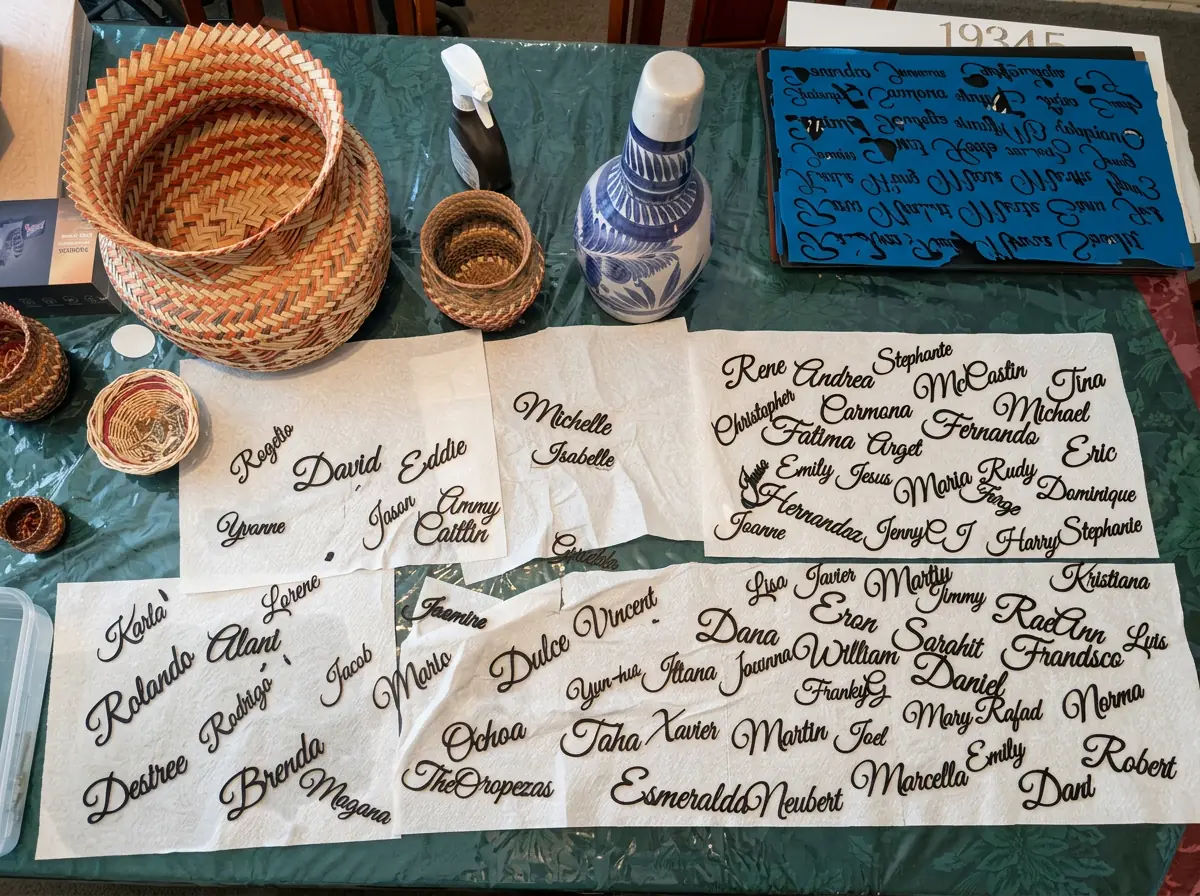
Built for shops running personalized orders: paste 80 or more names, weld every script into a single-piece cut, keep each finished size exact, and download nested material sheets for your laser or cutter. No redrawing the same design eighty times.
2 free batch exports + 1 free single export. No software install. SVG and DXF included.
One production workflow
Keep every name editable and correctly sized while WeldWords handles the repetitive layout work.
One name per line in the single Word box — 5 names or 80+. Stray paste characters, blank lines, and duplicate spacing are cleaned up for you.
Pick a connected script, spacing, weld strength, and the finished height or width. Add a keychain ring or backing layer for the entire order in one click.
Open any single name from the sheet to nudge a letter, strengthen a join, or give that one piece its own size. Everything else stays untouched.
Optimize packing to cut material waste, then download one file per sheet. Layered orders export registered top and backing sheets at true size.
Shops routinely run 80 or more names in a single batch. Welding runs in the background so the page stays usable while the sheet builds.
Yes. Paste every name, turn on the ring hole, set its size and position once, and the whole order gets a matching, connected hanging hole.
Every name is welded into a single connected path, and the weld integrity check flags any fragile join before you spend material.
Yes. Paste every name in the set, turn on the hanging hole for ribbon or a hook, give the whole set one size, and optimize the sheet so the set cuts in one run.
Top and backing layers export as separate, registered material sheets at the exact finished size you entered, so the transfer and glue-up line up.
No. Apply one height to the whole order, cap names inside a maximum width and height box, or set a single name's own size.
True-size SVG and DXF, ready for LightBurn, xTool Creative Space, Glowforge, Lightburn-compatible CNC, Cricut Design Space, Illustrator, and Inkscape.
Paste the names, apply consistent settings, arrange the material, and export.